











Gmail Yahoo Sender Rules now shape whether bulk email gets delivered, filtered, or blocked. In 2026, the senders staying in the inbox are not the ones who “set up DMARC once.” They are the teams that run compliance like an operating system: authentication stays aligned, complaint rates stay visible, unsubscribe behavior works across every bulk stream, and DNS drift gets caught before the next campaign goes live. Google’s current guidance still requires bulk senders to use SPF, DKIM, and DMARC, keep spam rates low, maintain valid forward and reverse DNS, and support one-click unsubscribe for marketing mail. Yahoo’s current requirements follow the same pattern, with the same hard focus on authentication, complaints, and easy opt-out.
Why 2026 Inbox Placement Rewards Process
The trap is assuming sender compliance is a setup project. It is not. Google says all senders to Gmail must meet baseline authentication, DNS, TLS, and formatting requirements, while bulk senders must also meet DMARC alignment and one-click unsubscribe rules. Yahoo draws a similar line between all senders and bulk senders, then adds the same practical pressure points: complaint control, unsubscribe handling, and valid DNS. That means most failures do not start with a dramatic outage. Instead, they start with a quiet process miss: a new ESP is added without SPF coverage, a DKIM selector is rotated late, a new promotional stream ships without RFC 8058 headers, or complaint spikes sit unnoticed for days.
That is why deliverability work in 2026 belongs inside release management, not beside it. Marketing may write the campaign, but engineering controls DNS, sending domains, selectors, routing, and suppression plumbing. When those teams work in parallel, inboxing improves. When they work in silos, mailbox providers read the gap as risk. That is not a philosophical point. It is how enforcement works at scale.
Gmail Yahoo Sender Rules Start With Authentication Alignment
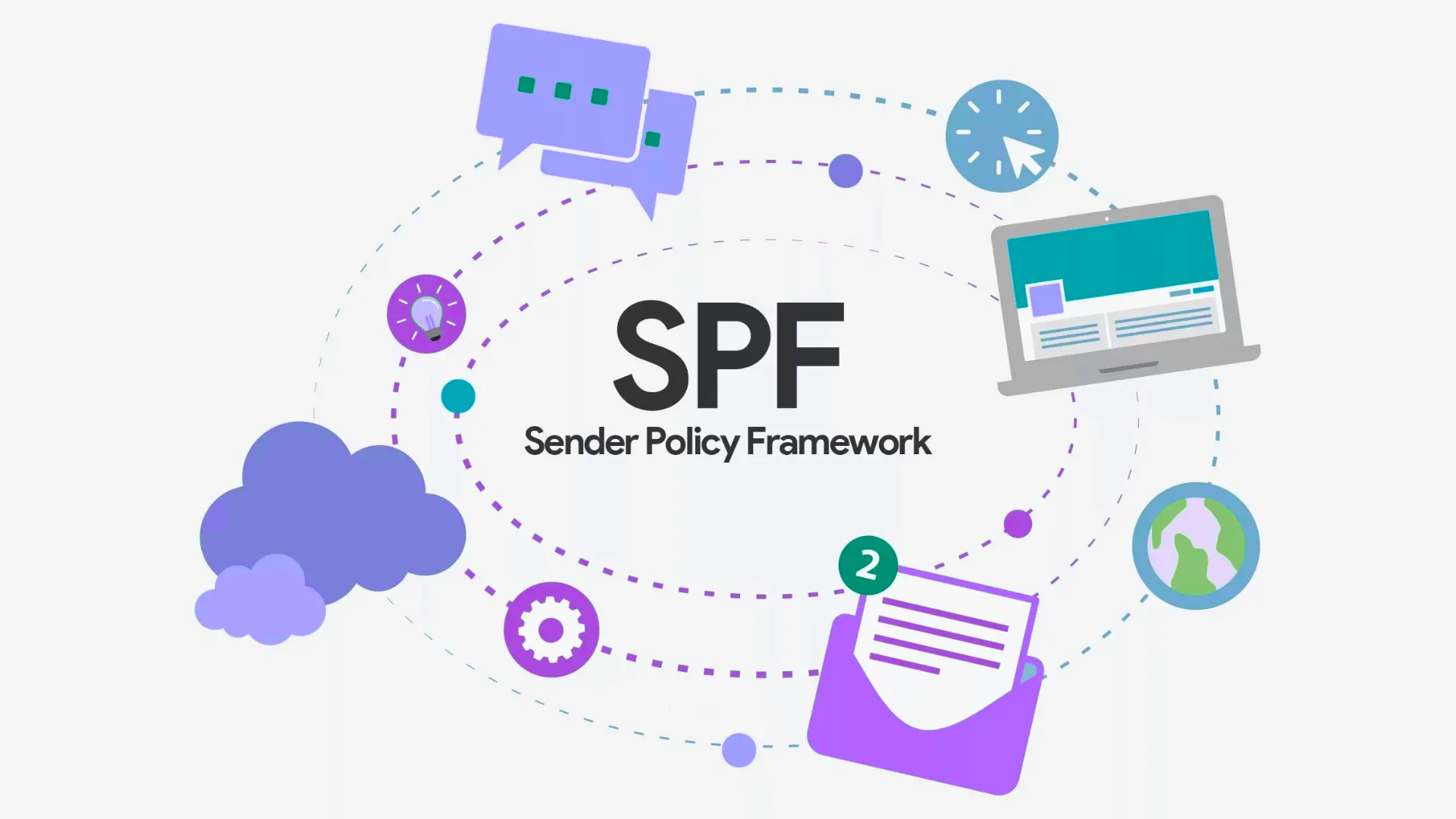
First, get the authentication stack clean. For Gmail bulk sending, Google requires SPF, DKIM, and DMARC. It also requires the domain in the visible From header to align with either the SPF domain or the DKIM domain. Yahoo’s bulk sender rules say the same thing in slightly different words: implement both SPF and DKIM, publish a valid DMARC policy with at least p=none, and make sure the From domain aligns with either SPF or DKIM so DMARC passes. Google also notes that DKIM keys for mail sent to personal Gmail accounts must be at least 1024 bits, with 2048 bits recommended where supported.
A practical checklist looks like this: every sender is listed in SPF, every bulk stream signs with DKIM, DMARC exists on every active sending domain or subdomain, and the visible From header matches the domain strategy on purpose. In addition, make sure your sending IPs have matching reverse DNS and forward DNS records. Google explicitly requires valid PTR-backed forward and reverse DNS, and Yahoo requires valid forward and reverse DNS for sending IPs as well. If one vendor, one subdomain, or one IP falls out of alignment, your “compliant” program is no longer compliant.
Monitor Complaint Rates Before Mailbox Providers Do
Next, treat complaint-rate monitoring as a live control, not a monthly report. Google says to regularly monitor your domain’s spam rate in Postmaster Tools, keep it below 0.10%, and avoid ever reaching 0.30% or higher. Yahoo’s rule is simpler but just as sharp: keep your spam rate below 0.3%, and use its Complaint Feedback Loop to monitor complaints tied to DKIM domains. In other words, 0.3% is not a target. It is a line you should never touch.
Therefore, complaint monitoring needs its own workflow. Review Google Postmaster Tools at least weekly, and daily during launches, warm-ups, seasonal pushes, and list expansions. Review Yahoo CFL data the same way. Break reporting down by stream, not just by domain. Promotional, lifecycle, win-back, and transactional mail should not be blended into one health score. When complaint rates climb, pause the offending stream first, then inspect segment quality, recent creative changes, frequency, and unsubscribe performance. Teams that wait for inbox placement to crash are already late. Teams that watch complaints by stream can usually catch the problem while it is still reversible.
Gmail Yahoo Sender Rules Make One-Click Unsubscribe Non-Negotiable
One-click unsubscribe is where many programs still fail. Google says that if you send more than 5,000 messages per day to Gmail accounts, marketing and subscribed messages must support one-click unsubscribe and include a clearly visible unsubscribe link in the body. Google’s FAQ is even more specific: a mailto link or a body link alone does not satisfy the one-click requirement. To comply, promotional mail must use RFC 8058-style List-Unsubscribe headers, include one HTTPS URL, and process the unsubscribe through that header-based mechanism.
Yahoo’s current guidance lands in nearly the same place. Bulk senders must implement a functioning list-unsubscribe header for marketing and subscribed messages, maintain a visible unsubscribe link in the email body, and honor unsubscribes within two days. Meanwhile, RFC 8058 defines the technical shape of one-click unsubscribe: a List-Unsubscribe header with an HTTPS URI, a List-Unsubscribe-Post: List-Unsubscribe=One-Click header, and a valid DKIM signature that covers those headers. The RFC also says the receiver performs an HTTPS POST, and the sender must not rely on redirects for that flow. If your unsubscribe action opens a landing page first, it may be easy for a user, but it is not one-click in the standards sense.
Weekly DNS Checks Catch Drift Before Campaign Sends
Weekly DNS checks belong in the deployment process because drift is normal. Vendors change. Selectors expire. SPF records get edited. New subdomains are spun up for a launch. Shared infrastructure gets re-routed. Yet Google and Yahoo both continue to require valid authentication and valid forward and reverse DNS, and Google still ties deliverability directly to those controls. That makes DNS review a recurring operational task, not a setup note in an onboarding document.
A sound weekly check covers six items. First, confirm SPF still includes every active sender. Next, confirm DKIM selectors resolve and sign correctly on every bulk stream. Then verify DMARC records still publish the intended policy and reporting addresses. After that, validate PTR records and forward-confirmed reverse DNS for every sending IP. In addition, send a live test from each major stream and inspect headers for alignment and unsubscribe behavior. Finally, log every change in the same deployment record used for campaign approvals. That last step matters. Deliverability incidents often look technical on the surface, but the root cause is usually undocumented change.
Ownership Decides Whether Compliance Survives Scale
Document ownership across marketing and engineering before something breaks. Marketing should own consent language, frequency strategy, segmentation rules, and whether a message is promotional, subscribed, or transactional. Engineering or platform operations should own DNS, DKIM key management, subdomain provisioning, bounce and complaint plumbing, and header-level implementation. Meanwhile, whoever manages the ESP should own stream separation, unsubscribe routing, suppression sync, and release QA. That split mirrors the way mailbox providers evaluate senders: identity, infrastructure, recipient feedback, and message handling.
A simple rule helps here. No new sending domain, ESP, IP, or message category should go live without joint sign-off from both functions. That single habit prevents a surprising number of failures. It also forces the right question before launch: does this stream authenticate, align, unsubscribe cleanly, and report complaints in a way the team can actually monitor? In 2026, that is the difference between a sender that scales and a sender that keeps relearning the same painful lesson. Compliance is not busywork. It is the operating system underneath inbox placement.
Was this article helpful?
Your feedback helps us improve future guides.
Need help applying this to your email program?
Get an expert plan for automation, deliverability, and campaign execution aligned to your stack.
Get Expert Support

Comments